

YolkfolkThe Dizzy Fansite 1 logged in0 playing

Fan • 2026

Seymour - Take One (2026 PC Remake)

Dora Dora
Dora's community picks

Made by Dizzy fans

Discover community adventures, support their creators and share what you are building.

Every fan adventure begins with one good idea — yours could be the next one everyone talks about.

— Dora
Surprise MeFind Related MediaQuick Download ↓
Seymour - Take One (2026 PC Remake) artwork
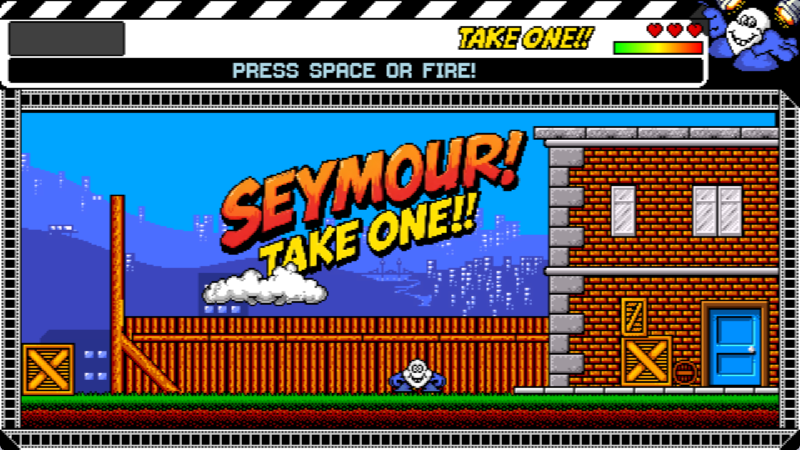
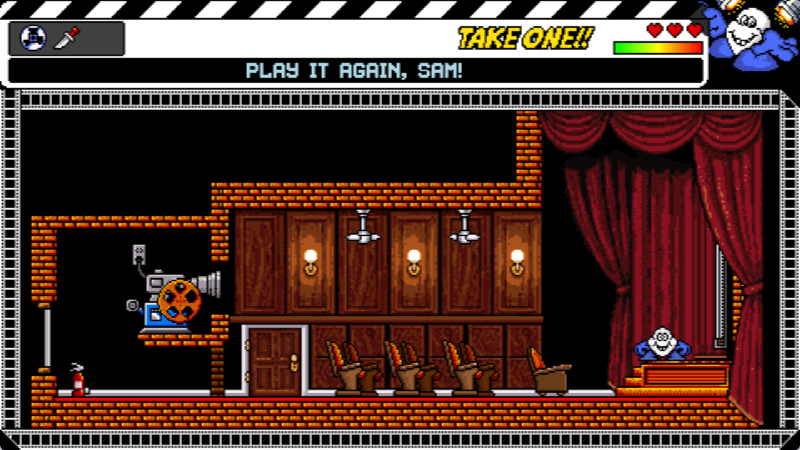
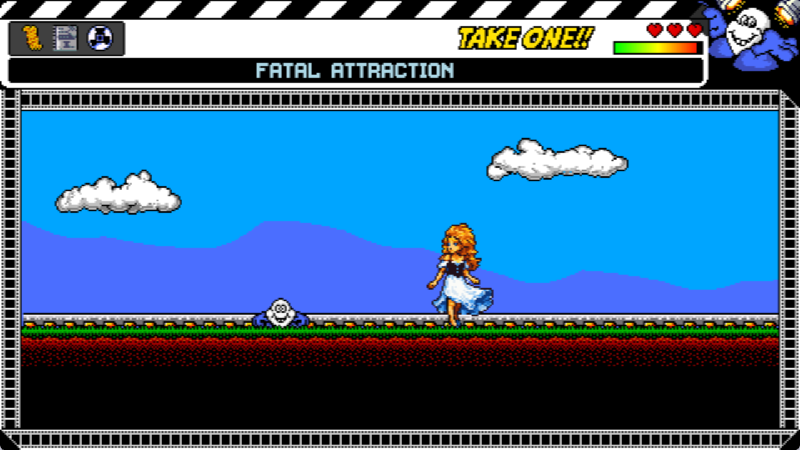
Seymour - Take One (2026 PC Remake) screenshotSeymour - Take One (2026 PC Remake) screenshotSeymour - Take One (2026 PC Remake) screenshotSeymour - Take One (2026 PC Remake) screenshot
Fan Game

Seymour - Take One (2026 PC Remake)

"Seymour": a household name now perhaps, but where did this Megastar come from? Here's Seymour, friendly odd-job man at the Findelmeyer Studios. Today, due to a mis-typed memo, the whole crew have gone to a non-existent location shoot, leaving the last…

2026Release year
AdventureGenre
5Rating
4Downloads
Designed byEnthusiastGuy
ProgrammingEnthusiastGuy
MusicN/A
PublisherN/A

Downloads

About the Game
"Seymour": a household name now perhaps, but where did this Megastar come from?
Here's Seymour, friendly odd-job man at the Findelmeyer Studios.

Today, due to a mis-typed memo, the whole crew have gone to a non-existent location shoot, leaving the last scene of the big movie unfinished!

This is it!
If Seymour can stand in for the hero, the director, and the editor, then he'll make it to Megastardom!
Trivia & History
This is an unofficial remake for the PC.
The game will only work on Windows x64 or higher.

This game does support Gamepads.

CONTROLS:
Display
- Alt + Enter: Toggle borderless fullscreen mode

Keyboard Controls
- Arrow Keys / 'Z' / 'X': Move left/right
- Space / Up Arrow: Jump
- Enter / '0': Interact (pick up items, talk to NPCs, activate teleports, advance dialogue)
- Backspace / '9': Drop top item from inventory
- Up Arrow : Move up (in menus/dialogue, climb ladders, swim up)
- Down Arrow: Move down (in menus/dialogue, swim down)
- Escape: Pause / Menu
- F1: Take screenshot (saves as PNG to `Data/screenshots/` directory)
- F5: Toggle film strip animation (retract/extend)
- F8: Toggle green monitor effect
- F9: Toggle Scale2x upscaling
- F10: Toggle CRT effect
- F11: Toggle phosphor decay effect
- F12: Toggle VHS effect
Hints & Tips
N/A
My Yolkfolk

Build your Dizzy collection

Sign in to mark this game as wanted, playing, completed or a favourite, and add private notes.

Sign in Create account
Community Rating
☆☆☆☆☆0 approved ratings

No approved community ratings yet.

Denzil's gallery wall

Community Screenshots

No community screenshots have been added yet.

Community knowledge

Guides & Release History

No community guide or release record has been published yet.This page is ready for walkthroughs, corrections, version history and testing notes.
Talk about this adventure

Community Discussions

No live discussion has been linked to this game yet.Start a help request, share a memory or tell the community what you think.