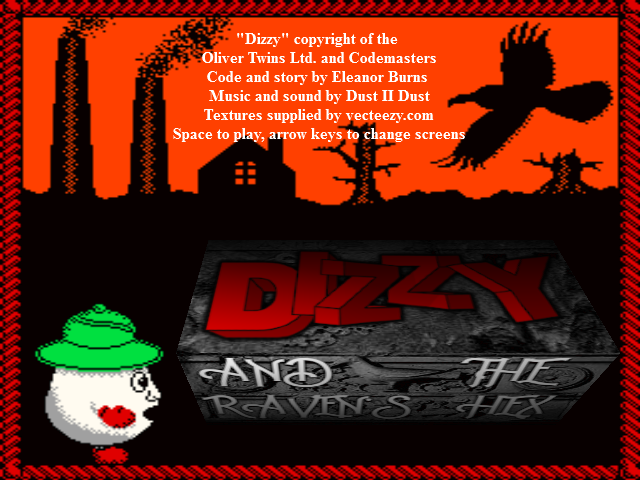
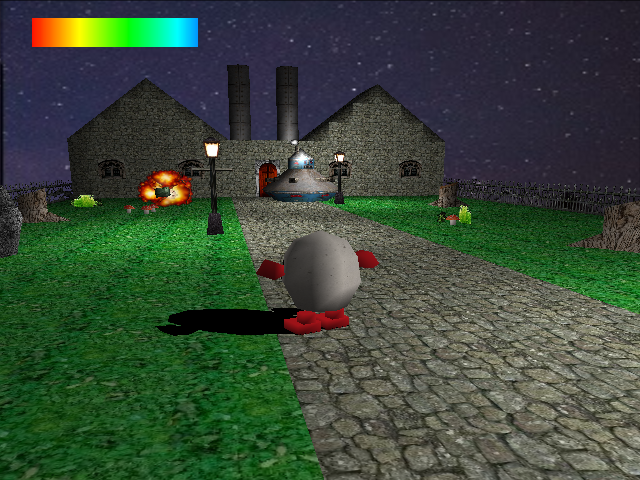
About the GameThe new factory town of Morgenholt, located deep within ancient fay woodlands, has recently been troubled by a mysterious and baleful haunting.
Squire Whateley, leader of the town and owner of its factory, has sent for the most daring and resourceful hero in the kingdom to investigate and put an end to this menace.
Which is where a certain familiar ovoid steps into the scene.
Has boxing gloves, will travel...
Trivia & HistoryDizzy has 500 units of health than can be fully replenished by the occasional first aid packs he will find.
Health is depleted by many hazards, including fire, deep water, and spikes.
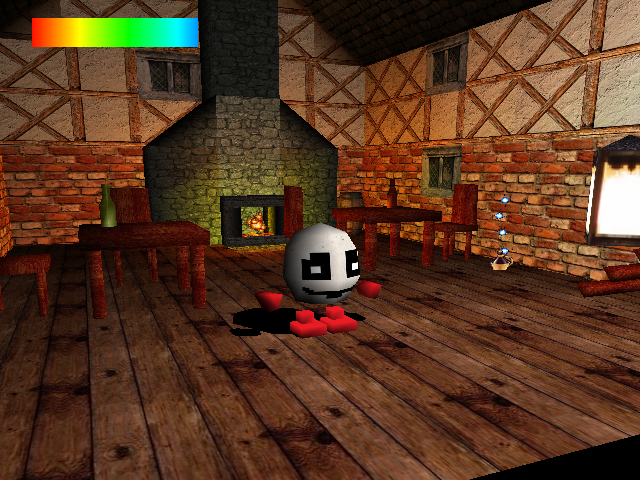
Health is represented by the bar at the top-left corner of the game screen, which shrinks as health depletes.
To check its precise level, open your status screen (using the ctrl key).
Dizzy can carry up to four items. Some may be more useful than others …
Scrolls contain valuable hints.
CONTROLS
- Cursor keys – Move Dizzy (Advance, retreat, turn).
- Cursor keys + Shift – Move the camera (Zoom in or out, change angle).
- Page up and page down – Change the tilt of the camera.
- Space – Jump (or fly, under special circumstances …).
- M – Toggle music on and off/Change music track.
- Q – Quit to Windows.
- Ctrl – The all-purpose interaction button (equivalent to the fire button in a traditional Dizzy game).
Depending on your position in the game world, the ctrl key can open doors, read scrolls, pick up items, and perform other miscellaneous actions.
At all other times, it is used to open your status / inventory screen in order to check on items carried, health remaining, and location.
- Keys 1-4 – In the status screen, use these keys to drop items from their respective inventory slots (if they are full).

 Dora
Dora