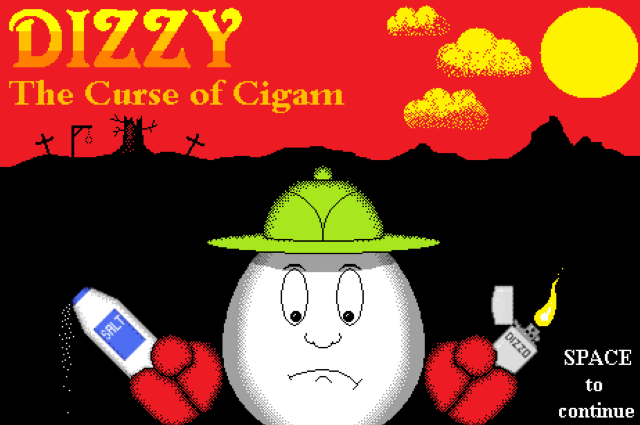
About the GameDisturbing reports and pleas for a valiant and preferably downright reckless hero draw Dizzy back to the scene of his first adventures: the small village of Cigam, which has fallen victim to a new curse of unholy spirits and cursed objects that have driven the inhabitants into hiding.
It is left to Dizzy alone to find ways of lifting all of the curses and exorcising the spirits, before hunting down the cause of this supernatural scourge.
Search the village and the surrounding area for clues and items, while avoiding contact with ghosts and hazardous terrain.
Trivia & HistoryControls:
- Cursor keys to turn Dizzy left and right, and to walk forward and backwards.
- Space to jump.
Dizzy spins when he jumps, so carefully consider the speed and angle (Dizzy will stop his jump trajectory if he collides with a solid surface).
- W (held down) to walk, reducing Dizzy’s movement speed by half.
Useful for taking smaller and more precise jumps.
- S (held down) to sidestep with the cursor keys (instead of turning).
- Left Ctrl to pick up an object, or to drop a held object.
You can hold up to three objects at a time.
- C to combine objects, if you are holding two or more objects that you think might go together.
- E to examine.
This is used to read signposts, or to examine a piece of scenery to see if has any special characteristics.
- X to exit room.
This is only possible when Dizzy is standing next to an open door or gate (This will be indicated in the bottom-right of the screen).
- I to turn the inventory / heads up display on or off.
You may find that the game runs better without a constant text display.
- M to turn the in-game music on or off.
- Q to quit the game.
- P to start the game (from title screen).
Hazards:
Dizzy will lose a life if he comes into contact with a ghost, fire, water, sawblades, fireballs, or moving spikes.
Static spikes are safe for Dizzy to walk through, but he will lose a life if he falls on them from a height.
After losing a life, there is a short period of invincibility allowing Dizzy to move to safety (during which the heads up display is shown in red).


 Dora
Dora